

Tech Specs
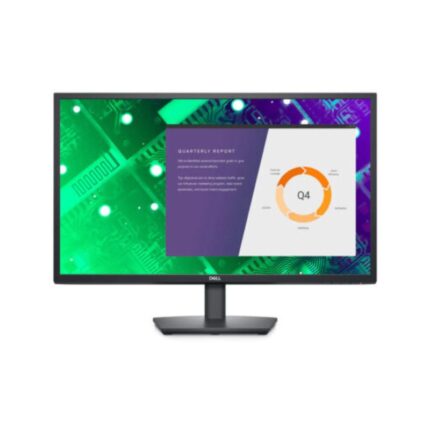
LED-backlit LCD monitor / TFT active matrix
27″
IPS
16:9
Full HD (1080p) 1920 x 1080 at 60 Hz
0.3114 mm
81
300 cd/m²
1000:1 / 1000:1 (dynamic)
16.7 million colors
8 ms (gray-to-gray normal); 5 ms (gray-to-gray fast)
178
178
Anti-glare
LED backlight
72% (CIE 1931) color gamut, 83% (CIE 1976) color gamut, Wide Viewing Angle
24.5 in x 7.4 in x 18.1 in – with stand
- VGA
- DisplayPort (DisplayPort 1.2 mode)
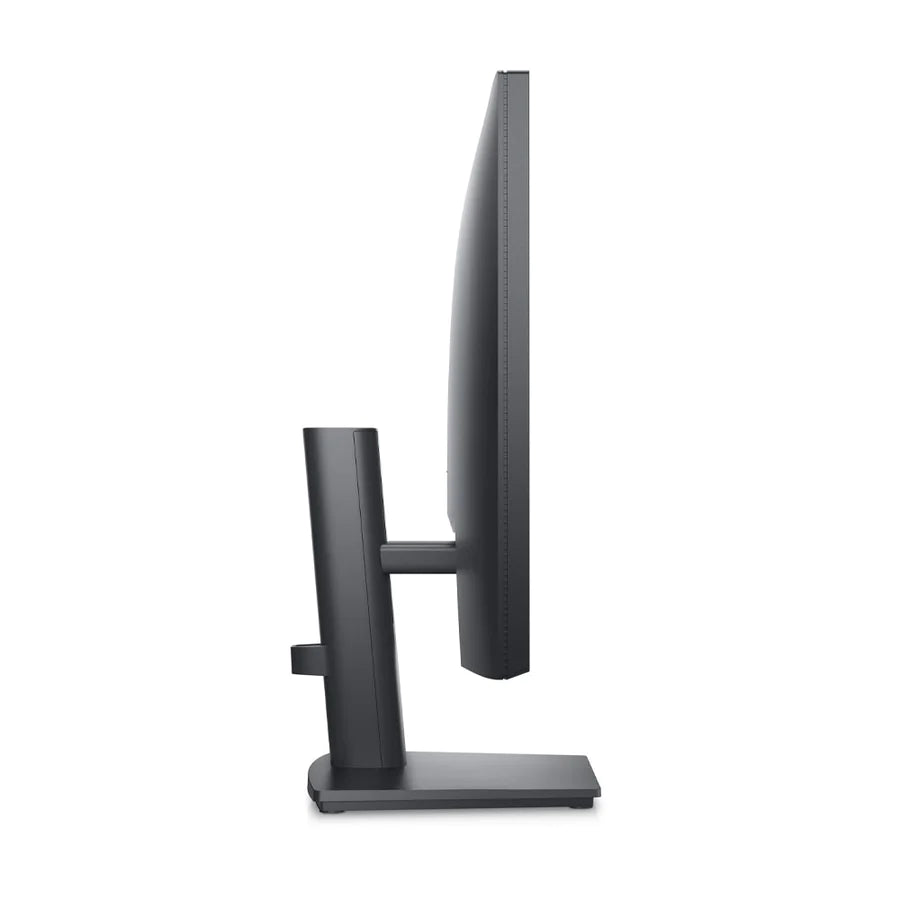
Tilt
-5/+21
100 x 100 mm
Security lock slot (cable lock sold separately), VESA interface support
1 x DisplayPort cable
AC 100-240 V (50/60 Hz)
17 W
0.3 Watt
0.3 Watt
Yes
- With stand – width: 24.5 in – depth: 7.4 in – height: 18.1 in
- Without stand – width: 24.5 in – depth: 2 in – height: 14.6 in – weight: 8.4 lbs
15.15 lbs
EPEAT Gold
Yes
3 years Advanced Exchange Service and Limited Hardware Warranty
32 °F
104 °F
10 – 80% (non-condensing)
The essentials you need to be more productive
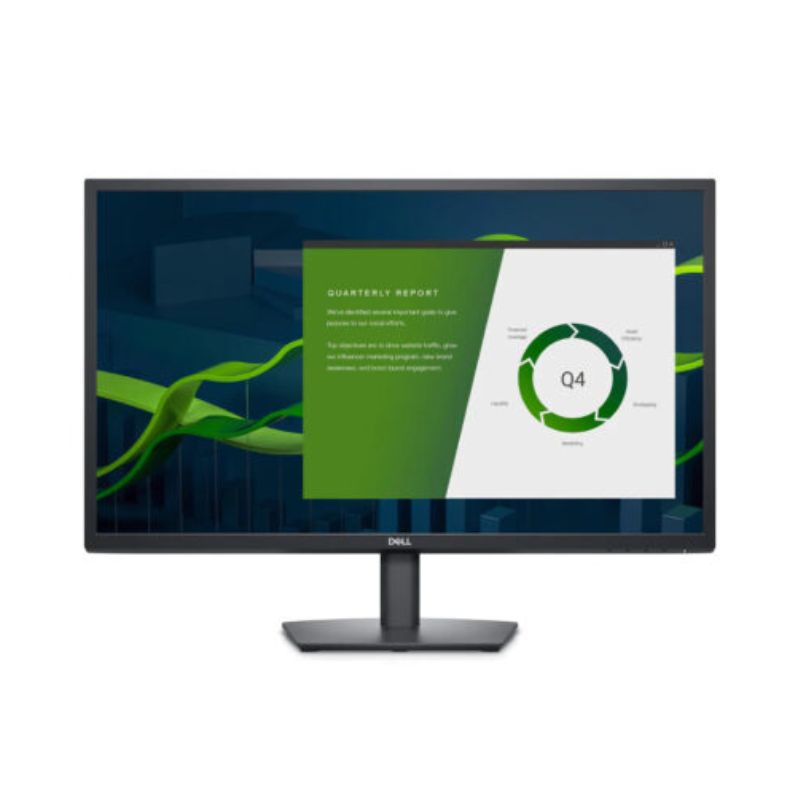
Wide viewing angle: See your work in superb FHD clarity. IPS technology delivers consistent color and picture quality across a wide 178°/178° viewing angle.
Easy on the eyes: This monitor has a flicker-free screen with ComfortView, a software feature that reduces harmful blue light emissions. It’s designed to optimize eye comfort even over an extended period of time.
Functional, space-saving design
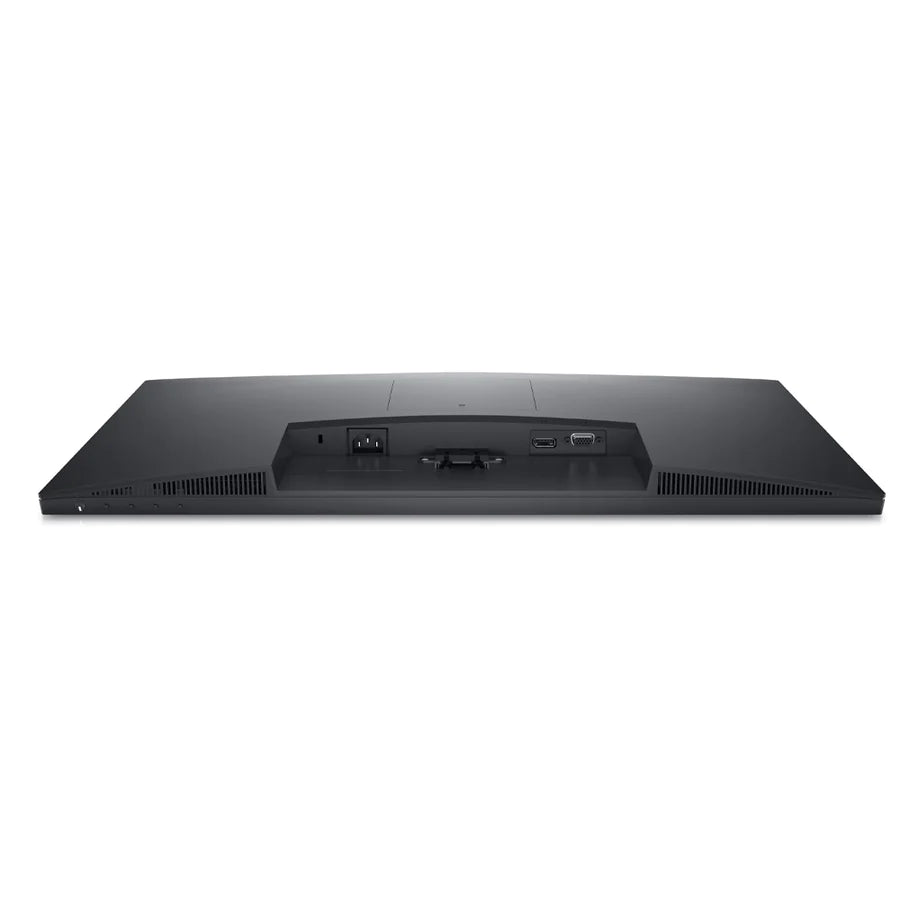
Convenient connectivity: Connect to current and legacy systems via VGA and DP ports.
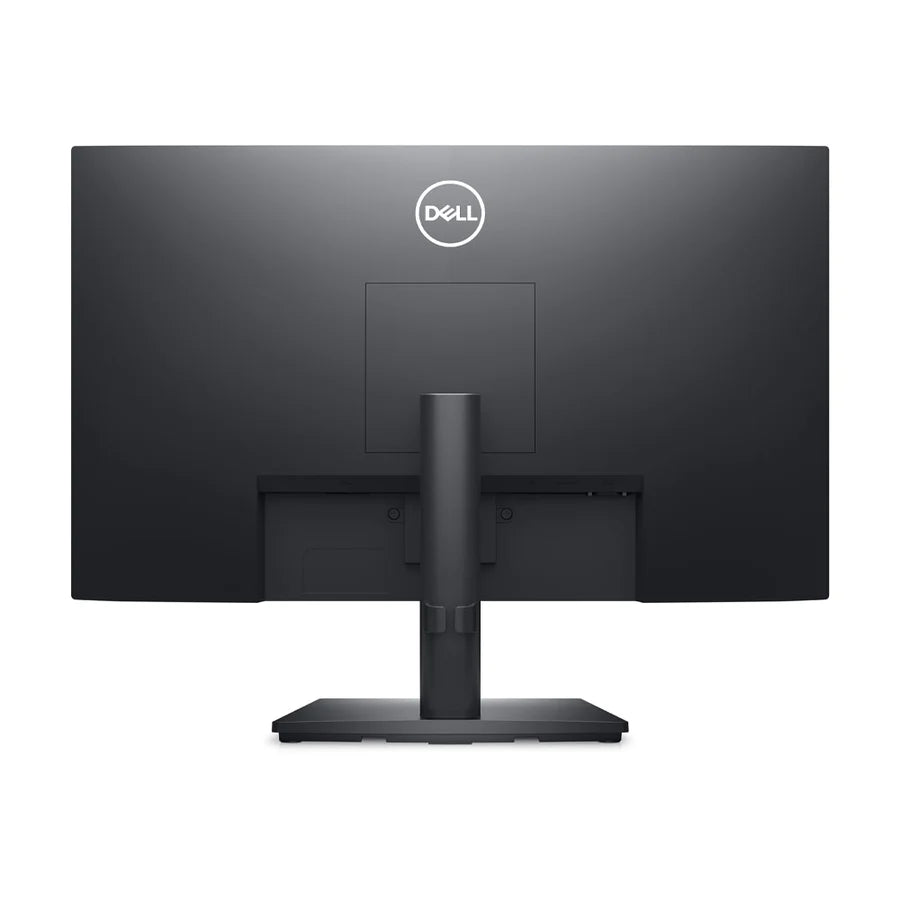
Maximize your desktop: Cut clutter with space-saving features like a compact stand and improved cable management that hides cables while complementing any workspace.
Clean, simple design: A slim bezel adds a modern look.
Adapts to your needs: Make your workspace your own with VESA-compatible mounts and stands.
Dell Display Manager
Productive at every level: Easy Arrange allows you to easily tile multiple applications across one or more screens with 38 pre-set window partitions and the ability to personalize up to five windows, giving you improved multitasking abilities.
Seamless transitions: The auto-restore feature remembers where you left off, so applications will go back to where you left them, even after you’ve unplugged.
The key to convenience: Shortcut keys can save you even more time, letting you easily configure your display management settings so you can get to work faster.
More ways to manage: Asset management reports allow IT managers to quickly capture and track monitor information as well as configure multiple monitors at once through a single setup.
Green thinking for today and tomorrow
Environmental standards: This monitor meets the latest regulatory and environmental standards such as EnergyStar®, EPEAT® Gold and TCO.
Energy conservation: Save energy when your monitor is not in use with PowerNap, a feature that dims or puts your monitor to sleep when it’s not in use.
Advancing sustainability: Dell Technologies is committed to reducing environmental impact throughout the product lifecycle.
Connectivity Options
1. Power connector | 2. DP port | 3. VGA portCables Included:
Power cable | DP Cable








Reviews
Clear filtersThere are no reviews yet.