




Tech Specs
- USB (4 PIN USB Type A)
- 2 x USB 3.1 with Powershare Technology (USB Type-A)
-
- P-Series Monitors:
-
-
- P2222H, P2223HC, P2225H, P2422H, P2422HA, P2422HE, P2423, P2423D, P2423DE, P2425H, P2425HE, P2425, P2425E, P2425D, P2425DE, P2721Q, P2722H, P2722HE, P2723D, P2723DE, P2723QE, P2725H, P2725HE, P2725D, P2725DE, P2725QE, P3221D, P3222QE, P3223DE, P3223QE, P3225QE, P3225DE, P3421W, P3421WM, P3424WE, P3425WE
U-Series Monitors:
U2421E, U2422H, U2422HE, U2422HX, U2424H, U2424HE, U2722D, U2722DE, U2722DX, U2723QE, U2723QX, U2724D, U2724DE, U2725QE, U3023E, U3223QE, U3225QE
-
Note : Ensure that the USB upstream cable is connected from your computer to the Dell monitor to enable USB pass-through. This additional USB upstream cable connection is required if your computer is using an HDMI or DisplayPort cable
Easy to setup and secure
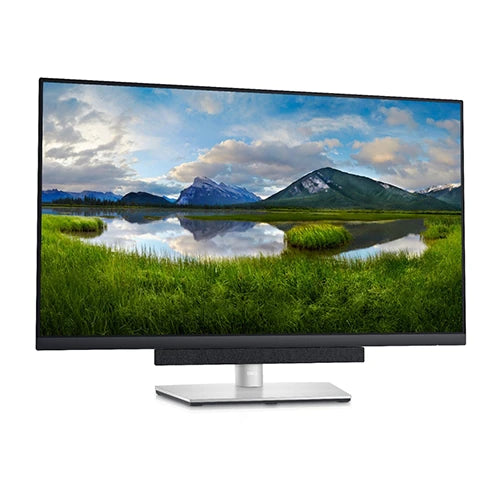
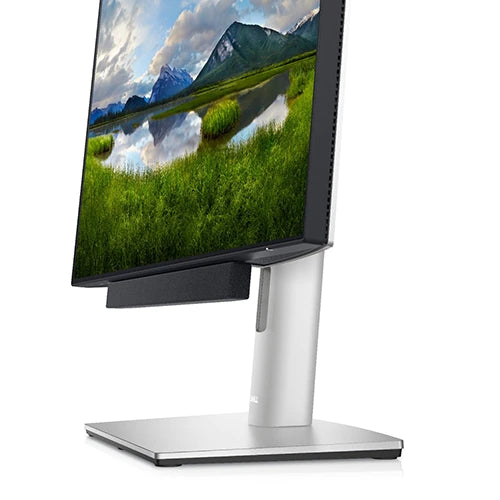
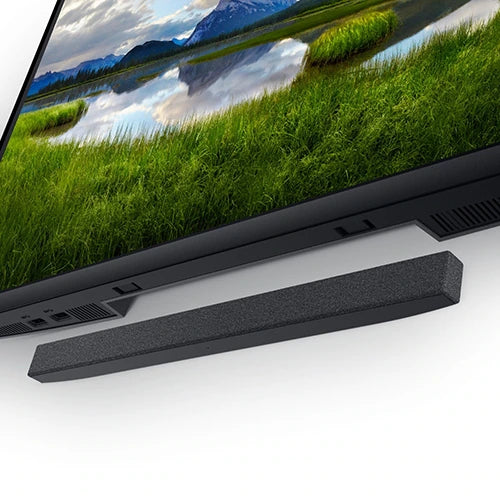
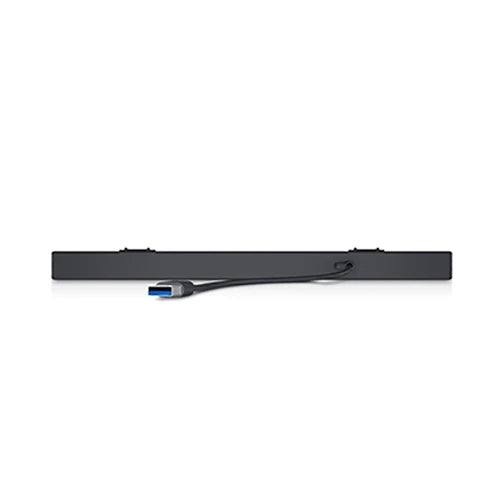
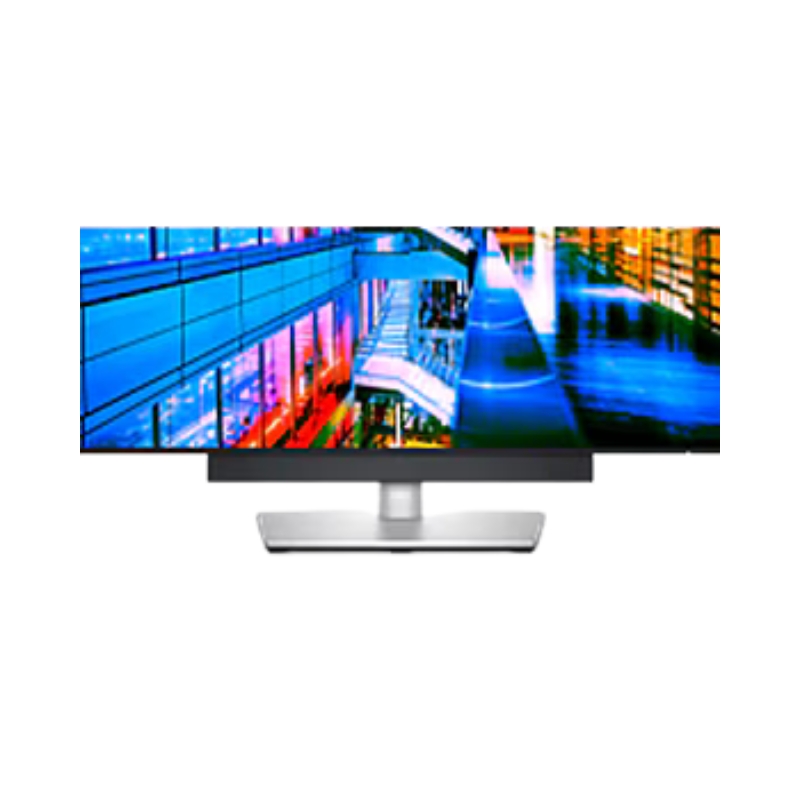
The Dell Slim Soundbar offers easy installation requiring no software, power cord, batteries and is compatible with Dell select monitors. Simply plug in the soundbar cable to your monitor’s USB-A port. Safeguard your soundbar by locking it with the included security chain and an external lock (lock not included). A 3-year warranty offers you added peace of mind.
Connect the USB cable of the soundbar to the USB port of the Dell monitor. In cases where you connect your monitor using HDMI or DP cable, ensure to connect the upstream USB cable that comes with your monitor to your computer for the soundbar to work.
What’s in the box
- Dell Slim Soundbar – SB521A
- Security chain
- Documentation






Reviews
Clear filtersThere are no reviews yet.