

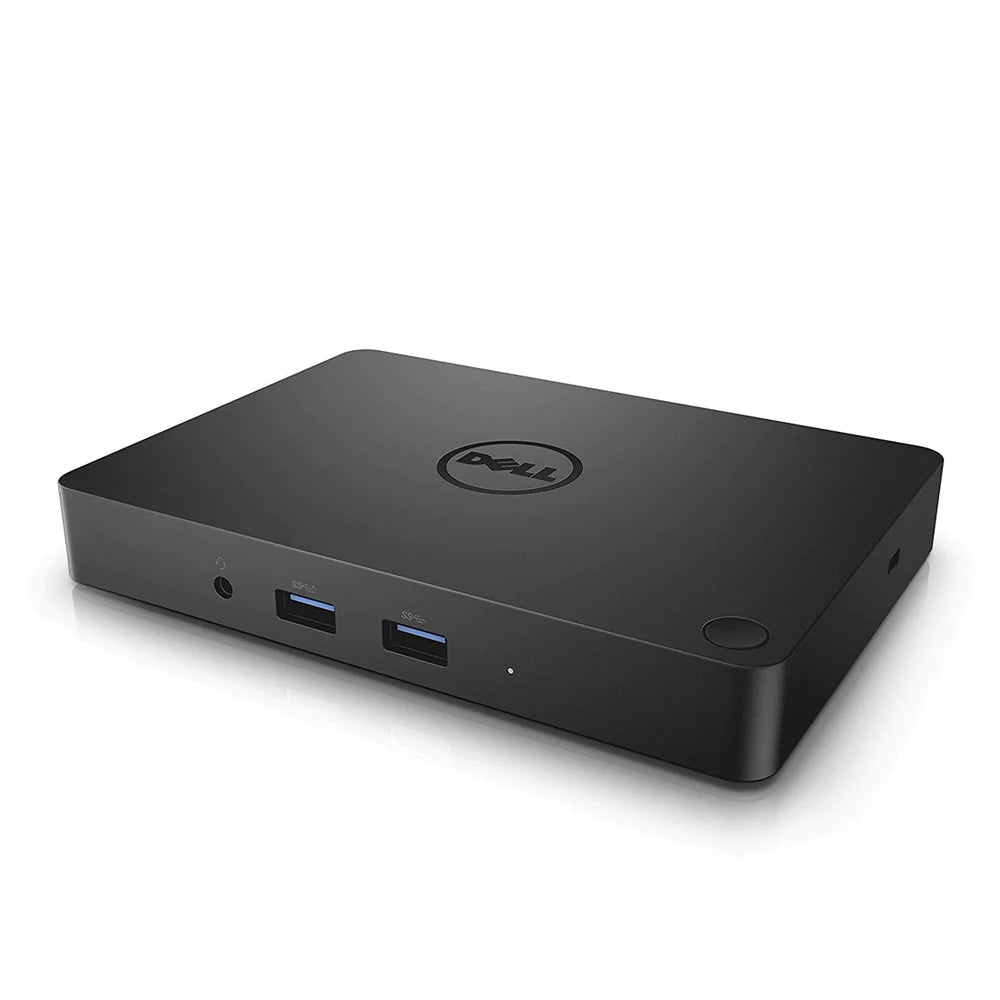
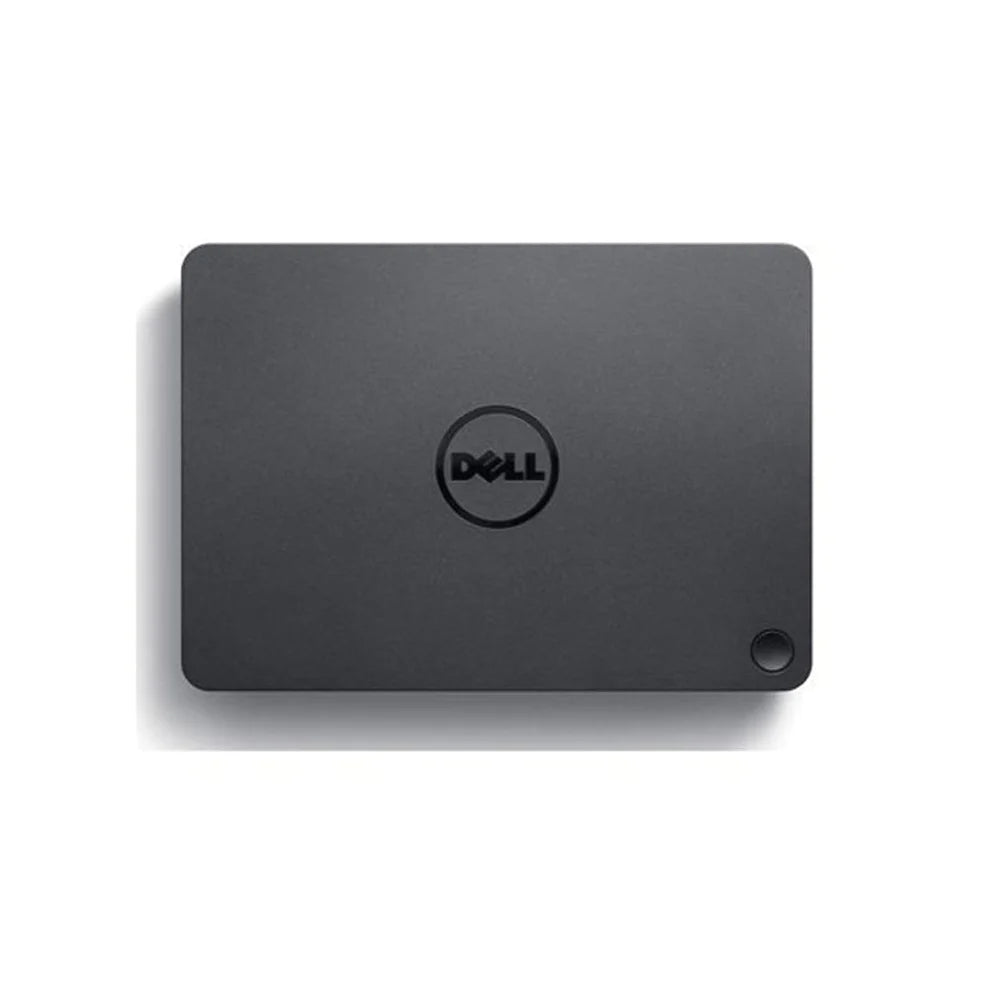
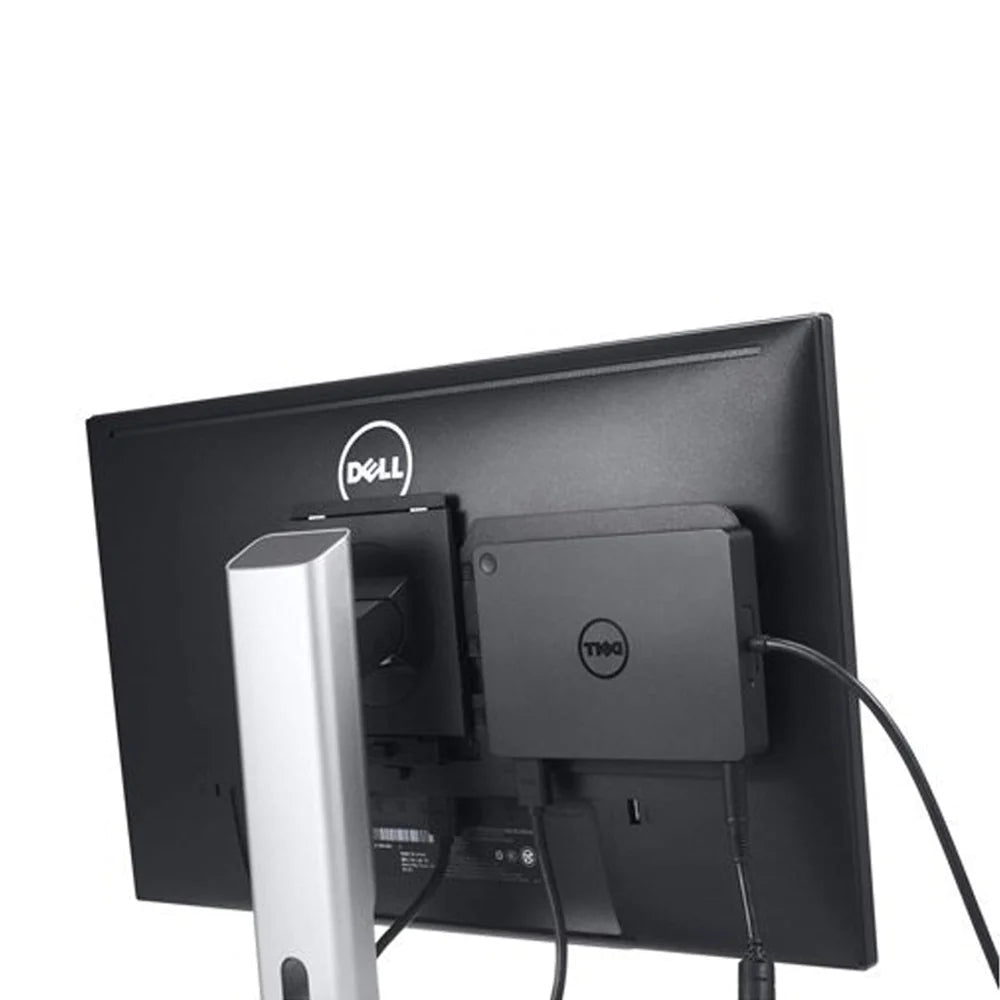
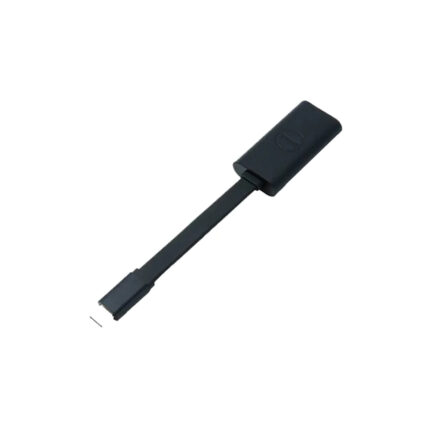
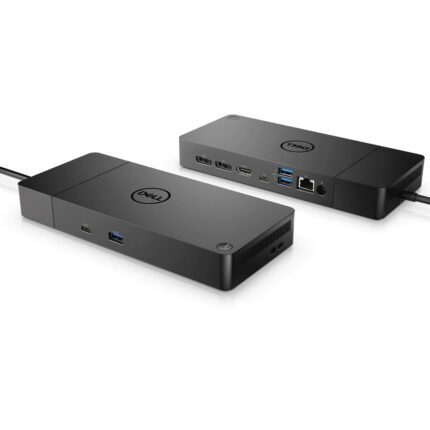
- The Dell Dock provides a common docking experience for both Dell and non-Dell platforms via Display Port over USB Type-CTM, ensuring a reliable connection and crisp display. The dock connects with a single cable, freeing up space on your desk and in your workspace with the added ability to mount behind a monitor or on your desk.
- Featuring a powerful DisplayPort over USB Type-CTM cable, with the Dell Dock you can quickly connect your laptop or tablet to a single data and power source up to 130W for Dell devices and 60W for non-Dell devices. You’ll also enjoy an easy, reliable connection from your laptop or tablet to dual FHD displays or a single 4k display @ 30Hz, and all your essential peripherals.
- Compatible with select Dell laptops, workstations, tablets and many compatible non-Dell devices with USB-Type CTM port(s) having data, video, and power capabilities. Easily connect to displays, a mouse, keyboard and audio devices through the Dell Dock from your compatible system of choice.
- Grab your laptop and head to the next meeting where you, and your co-workers, will be able to quickly connect to the Dell Dock and share your latest PowerPoint presentation through a connected display screen or projector.
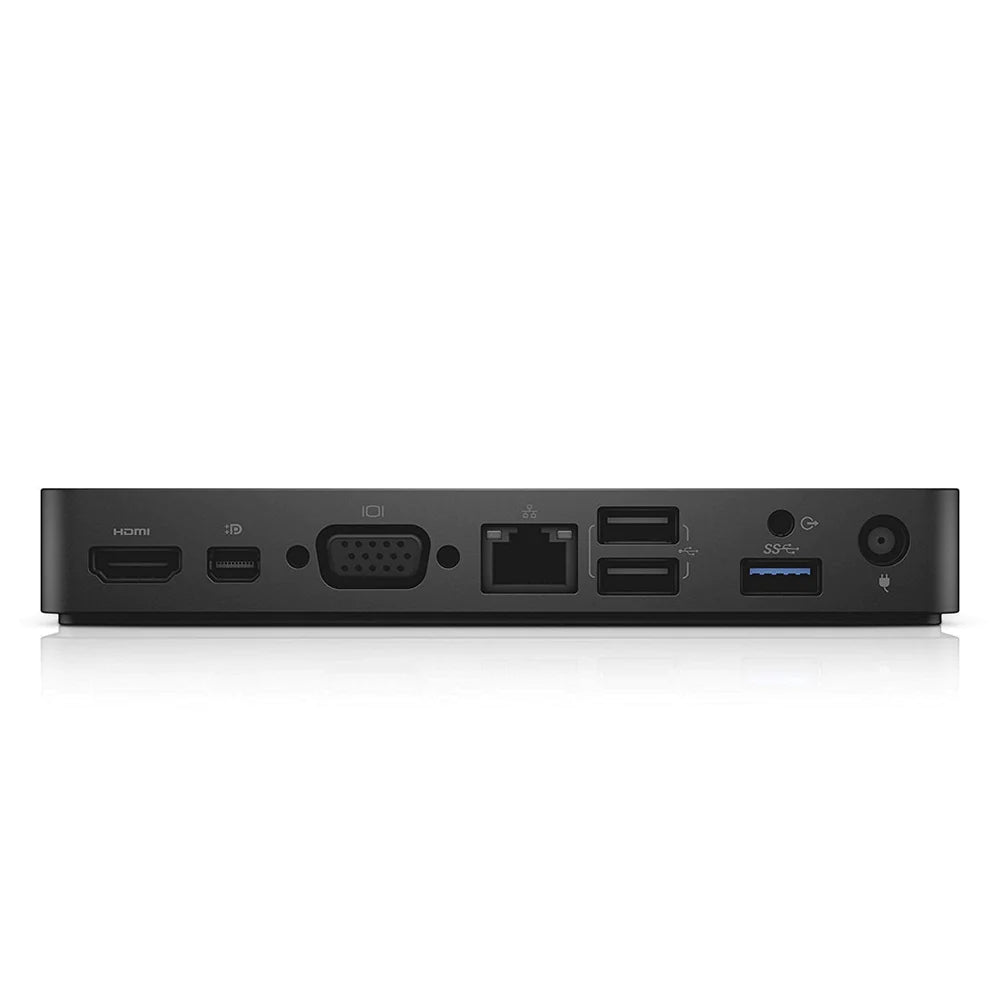
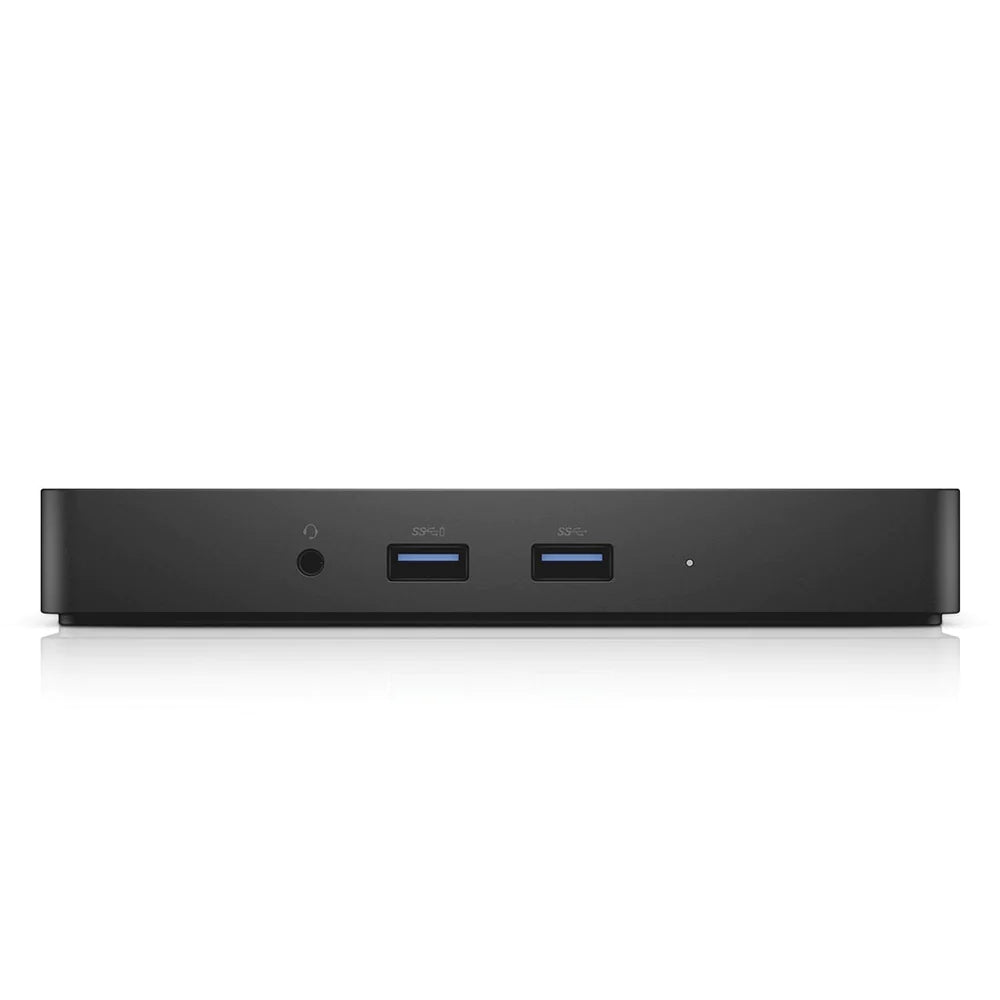
- Supports 2 FHD displays, Two USB 2.0 ports, Three USB 3.0 ports, Speaker output (rear), Combo audio (front), Gigabit Ethernet, Kensington Lock Slot and 180W AC adapter with 7.4mm barrel.
Dell Dock WD15
The Dell Dock provides a common docking experience for both Dell and non-Dell platforms via Display Port over USB Type-CTM, ensuring a reliable connection and crisp display. The dock connects with a single cable, freeing up space on your desk and in your workspace with the added ability to mount behind a monitor or on your desk.
Single Cable Connectivity
Featuring a powerful DisplayPort over USB Type-CTM cable, with the Dell Dock you can quickly connect your laptop or tablet to a single data and power source up to 130W for Dell devices and 60W for non-Dell devices.
One dock for all
Compatible with select Dell laptops, workstations, tablets and many compatible non-Dell devices with USB-Type CTM port(s) having data, video, and power capabilities. Easily connect to displays, a mouse, keyboard and audio devices through the Dell Dock.
Connect for Collaboration
Grab your laptop and head to the next meeting where you, and your co-workers, will be able to quickly connect to the Dell Dock and share your latest PowerPoint presentation through a connected display screen or projector.
| Product Type | Docking Station |
| Brand | Dell |
| Model | WD15 |
| Dimensions | 15.49 x 10.92 x 2.11 cm |
| Operating Temperature | 0°C to 35°C |
| Videos Ports | VGA HDMI Mini DP |
| Interface | 2 x USB 2.0 – 4 pin USB Type A 3 x SuperSpeed USB 3.0 – 9 pin USB Type A 1 x network – Ethernet 1000 – RJ-45 1 x headset / headphones / microphone – output – mini-phone 3.5 mm 1 x headphones / speakers – output – mini-phone 3.5 mm 1 x video – VGA – 15 pin HD D-Sub (HD-15) 1 x audio / video – DisplayPort – Mini DisplayPort 1 x audio / video – HDMI – 19 pin HDMI Type A |
| Ethernet | Gigabit Ethernet |
| Security | Kensington Lock Slot |
| Features | Security lock slot (cable lock sold separately) LED indicator VESA interface support USB PowerShare technology |
| Weight | 420g |
| Warranty | 1 Year |
| Package Contents | Dell Dock DisplayPort over USB Type-CTM Cable 180W AC adapter with 7.4 mm barrel Quick Setup Guide |


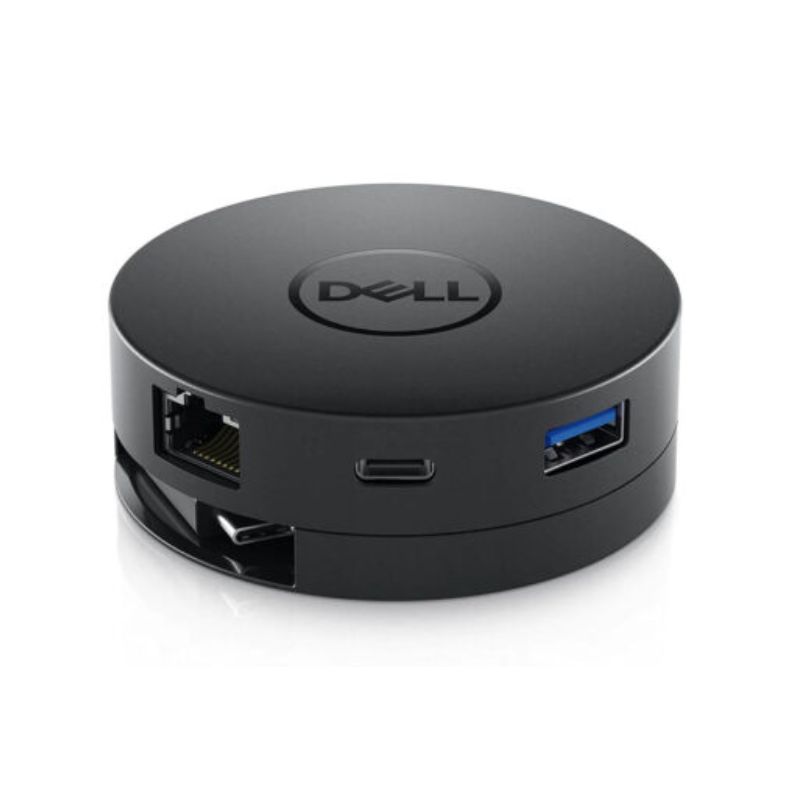




Reviews
Clear filtersThere are no reviews yet.